Personal Macintosh PEPPER Fonts
-
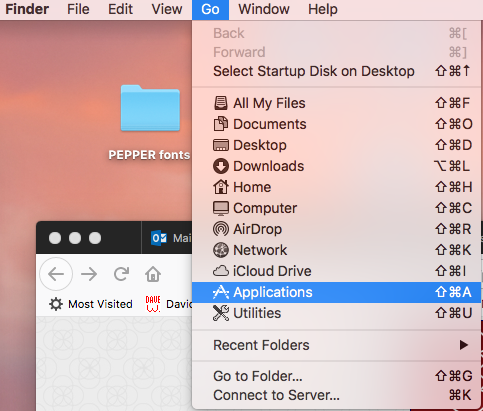
- In the Finder, select Applications from the Go menu.
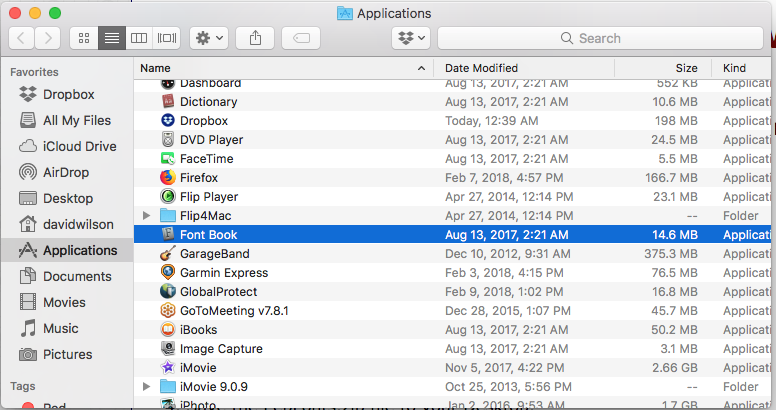
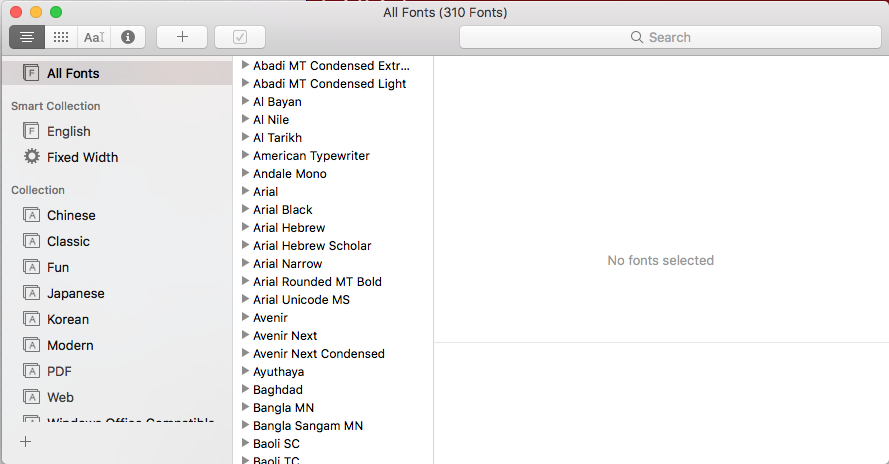
- Run the Font Book application.
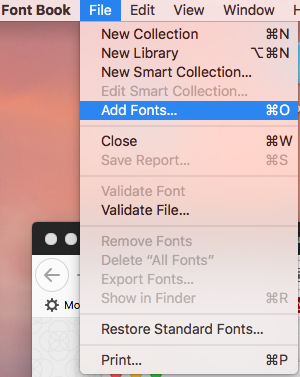
- Select Add Fonts… from the File menu.
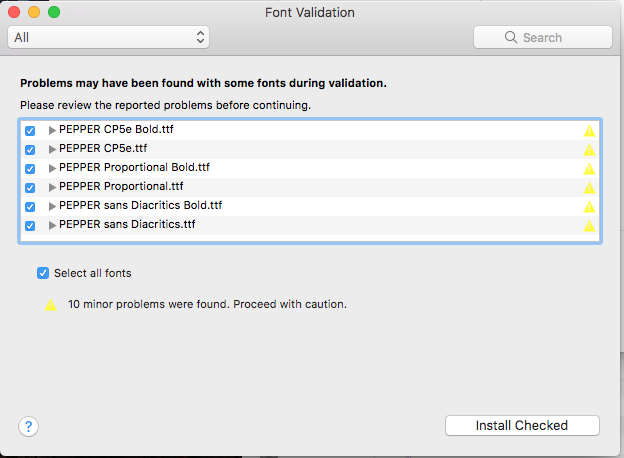
- Find the PepFonts folder on your desktop. Open it and press Command-A to select all six files. Add them.
- In the Finder, select Applications from the Go menu.